

About the project
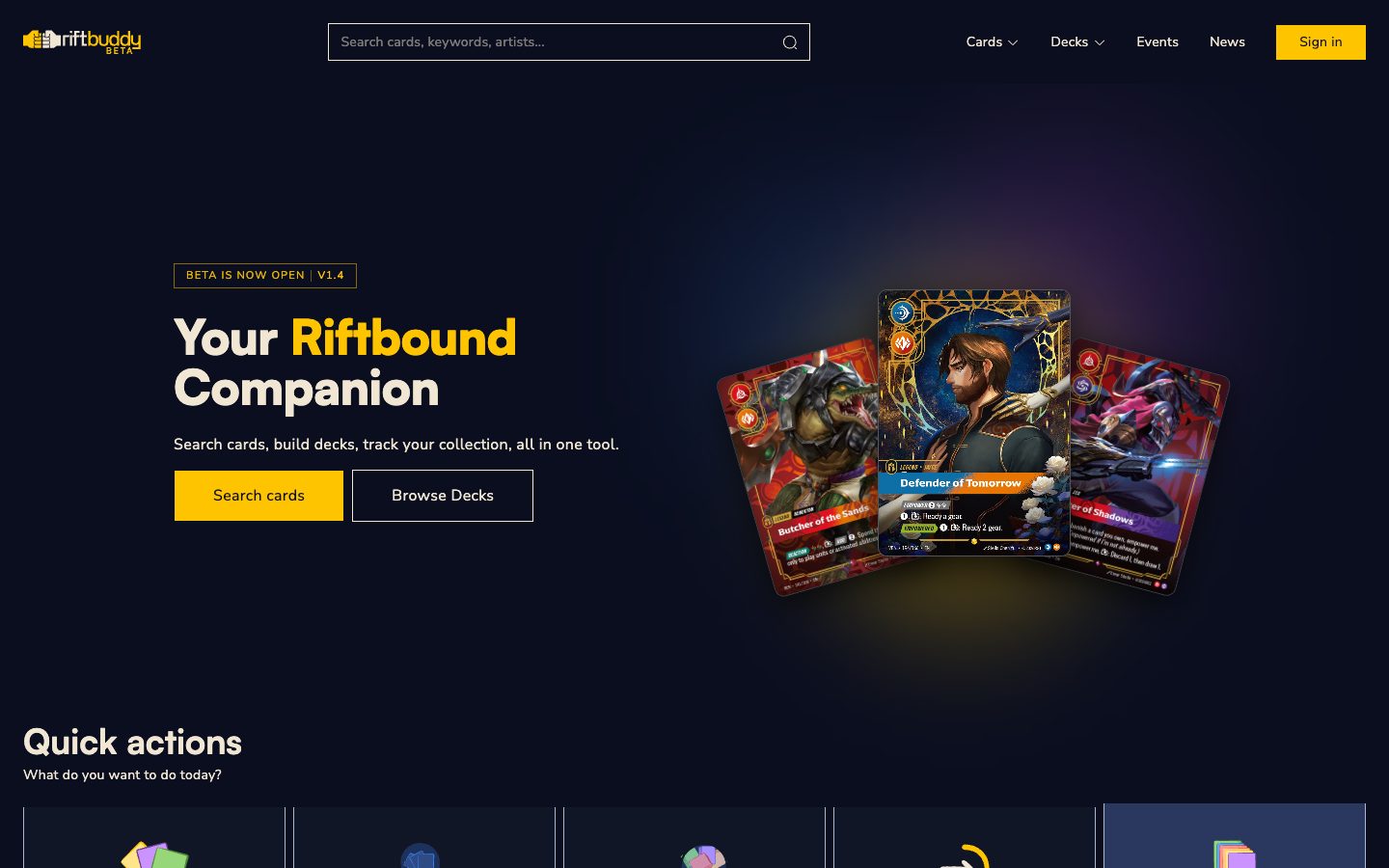
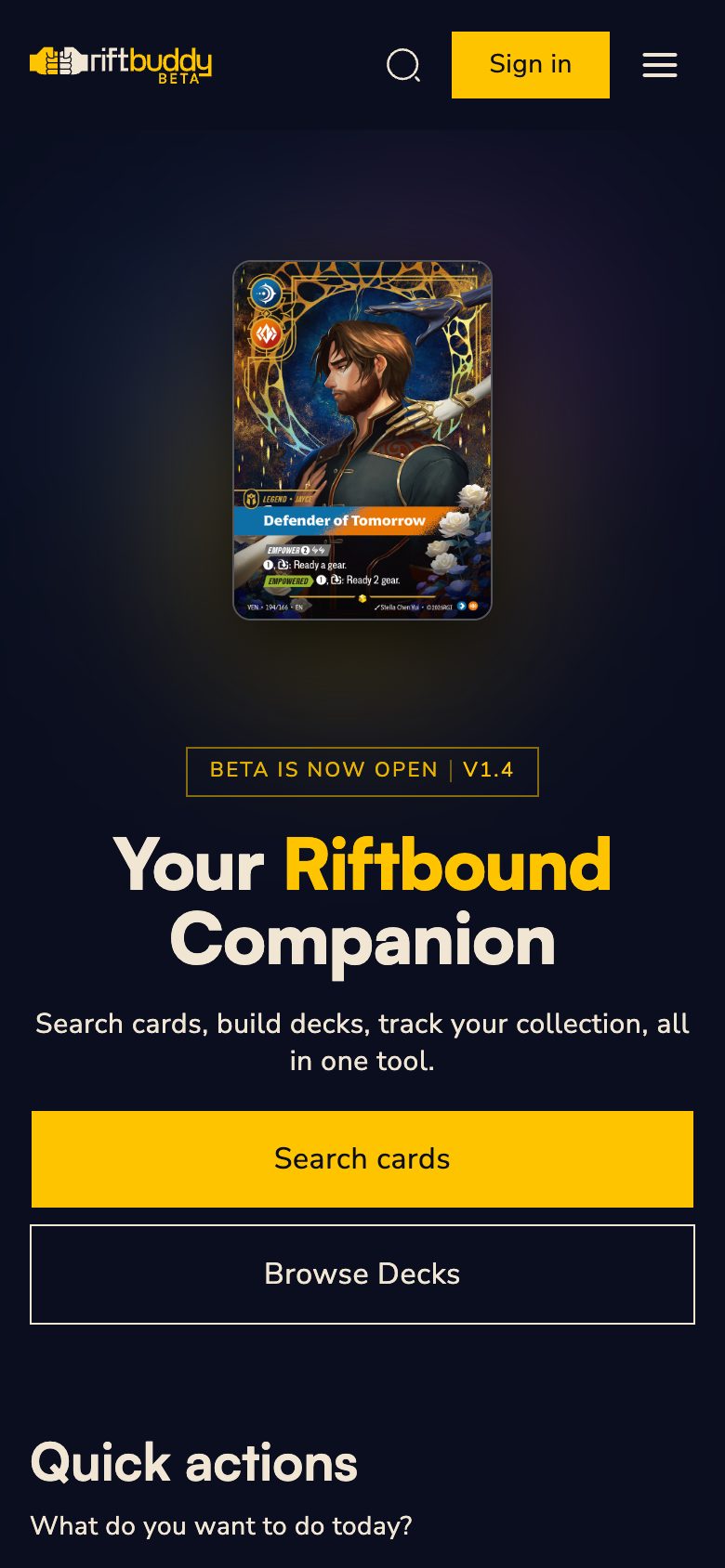
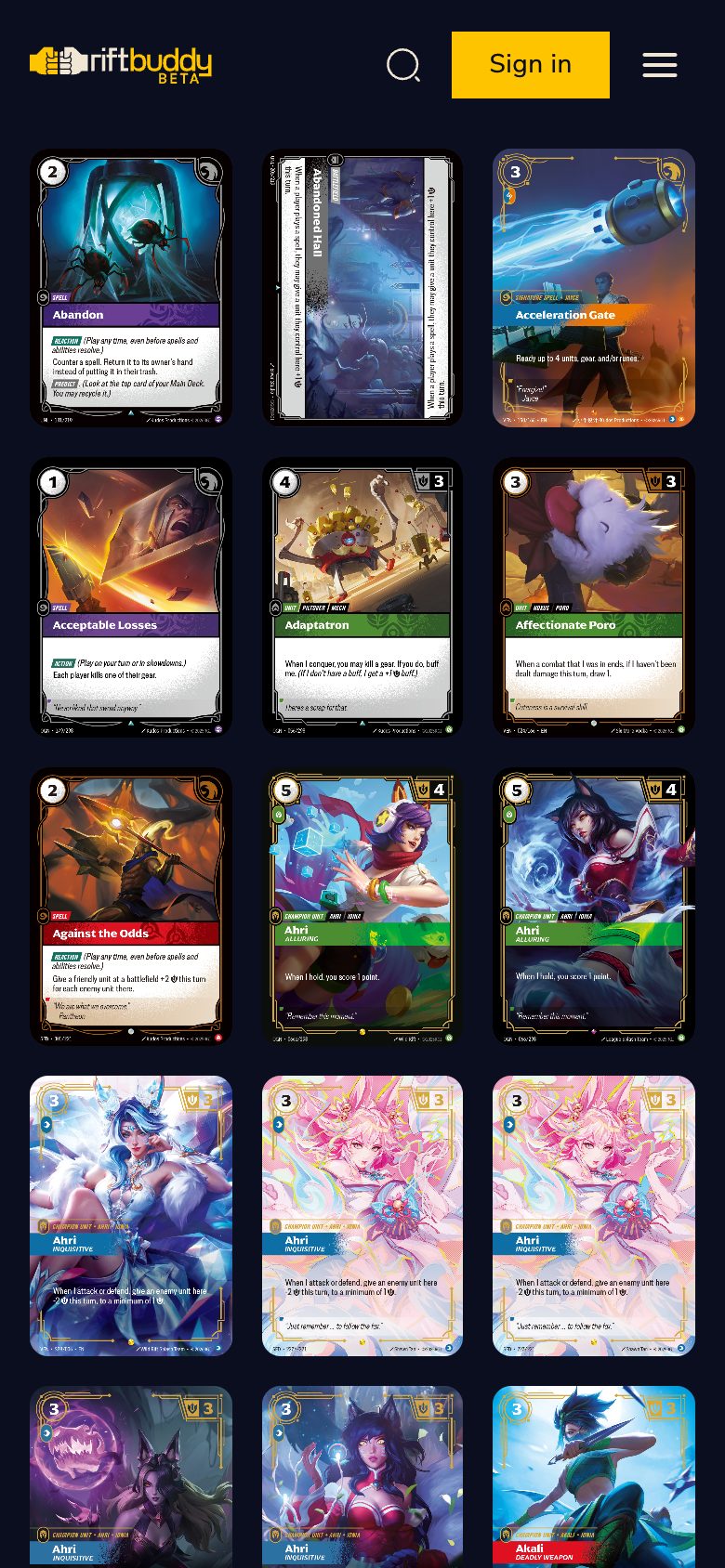
RiftBuddy is a web app for players of the Riftbound trading card game: a card browser, deck builder, collection with a card scanner and tournament meta, all in one place. I designed and shipped it on my own, from idea to production, and in the three months after launch I delivered five more versions.
role
Product owner, UI designer, sole creator
platform
Web, mobile first, installable on the iPhone home screen
stack
React 19, TypeScript, Tailwind, Supabase, Sanity, Vercel
timeline
April 2026 → still live and in active development
Problem
Before a tournament, a Riftbound player jumped between several tools: Riot's card gallery, a collection spreadsheet, a separate deck builder, tournament results sites and articles with decklists. None of them connected what I own with what the meta is playing. Riftbound is a young game, so its tool ecosystem was only just forming. That was the window: whoever gives players one place first builds the habit.
Who I designed for
- Collectors want to know what they are missing for a full set, without typing cards in by hand.
- Casual players want to build a deck from what they own and show it off.
- Tournament players want to see what wins and quickly copy decklists from the Regional Qualifiers.
The tone and features work for all three groups, not just the competitive scene. Hence guest mode with no account required, and badges with no leaderboards or streaks.
Process overview
Click any of the steps to swoosh to the section
How I worked
I am a product designer, not a developer, and I built RiftBuddy alone by treating AI (Claude Code) as an engineering team that I manage. I owned what gets built and why, how it looks and whether it works in a player's hands. The AI wrote the code to match my decisions.
One phase, start to finish
- Bug report or player idea
- Product decision and scope
- Phase plan with success criteria
- Implementation and tests
- Test on my iPhone, on a Vercel preview (back to fixes if needed)
- Production
Every change went to a test branch and a Vercel preview, which I checked on my own phone, launched from the home screen icon, the same way players use the app. I also kept a running log of process mistakes, e.g. "a fix must cover every instance of an element, not just the one I pointed at". Each entry came from a real slip-up and stopped it from happening again.
Key features
Six areas, each answering one player need.
Card scanner
Point your phone at a card and it lands in your collection. Full-screen camera, slide-up confirmation panel, an "Added" bar with Undo and a session counter.
Collection & badges
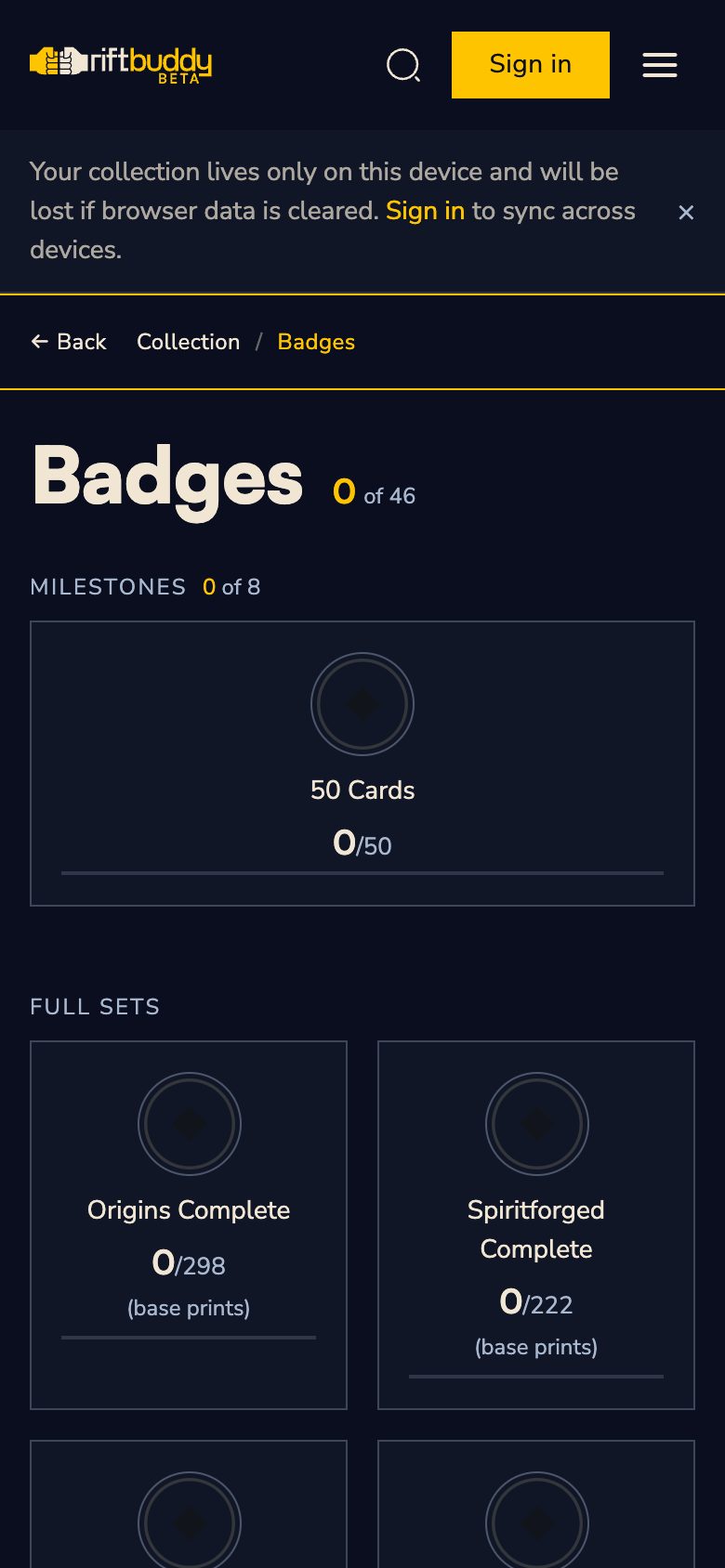
See how much of each set you own and what is missing. 46 badges for milestones (from 50 to 1180 cards, full sets, domains), synced across devices.
Deck builder
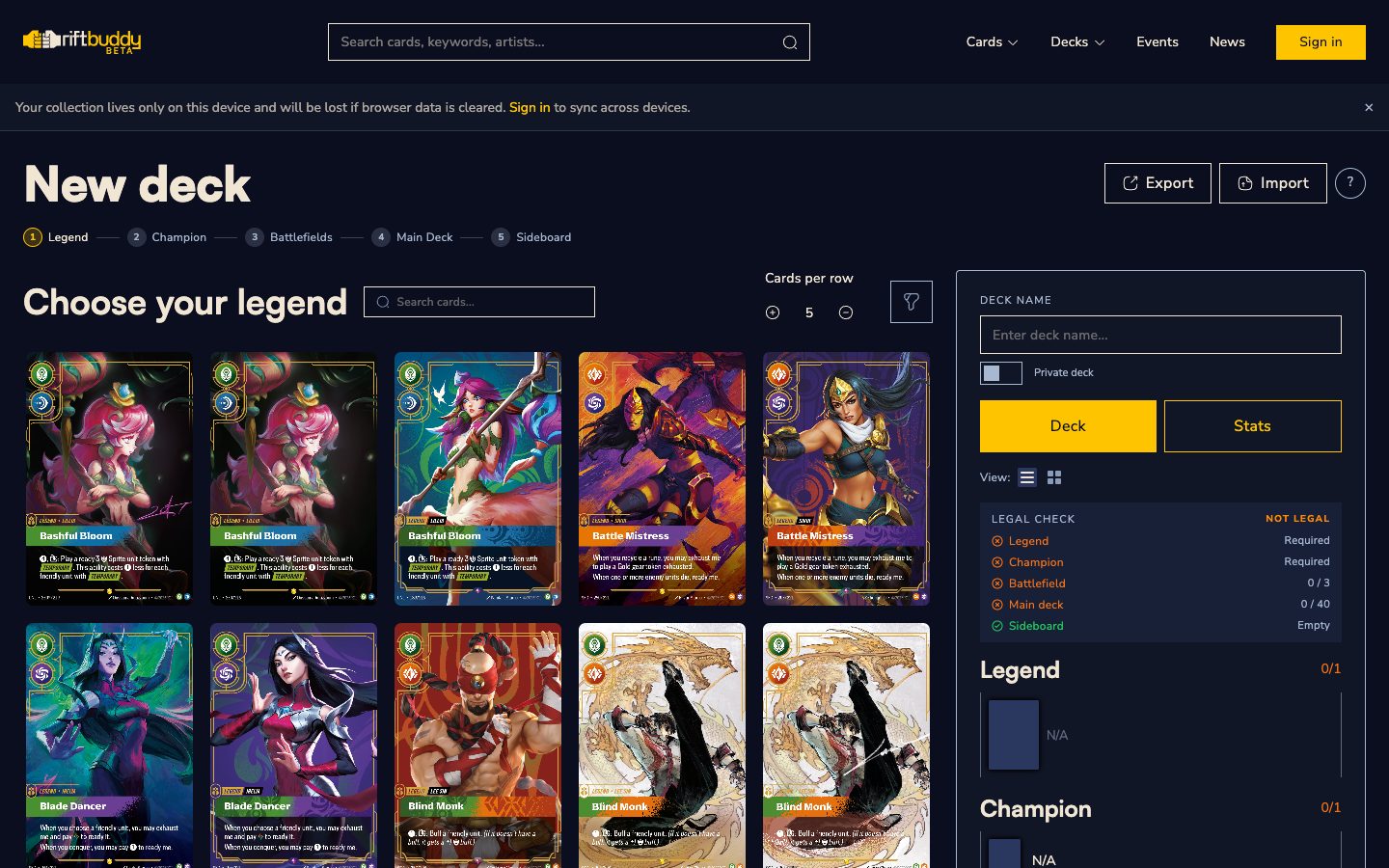
Build a 39-card deck with filters by domain and keyword. Import from 4 formats (text, CSV, TTS, deck code), with a report of lines that did not match.
Deck export to PNG
One click and the deck graphic is ready for Discord or Instagram. Template designed in Figma, 1920×1048 px, rendered in the browser.
Meta & tournaments
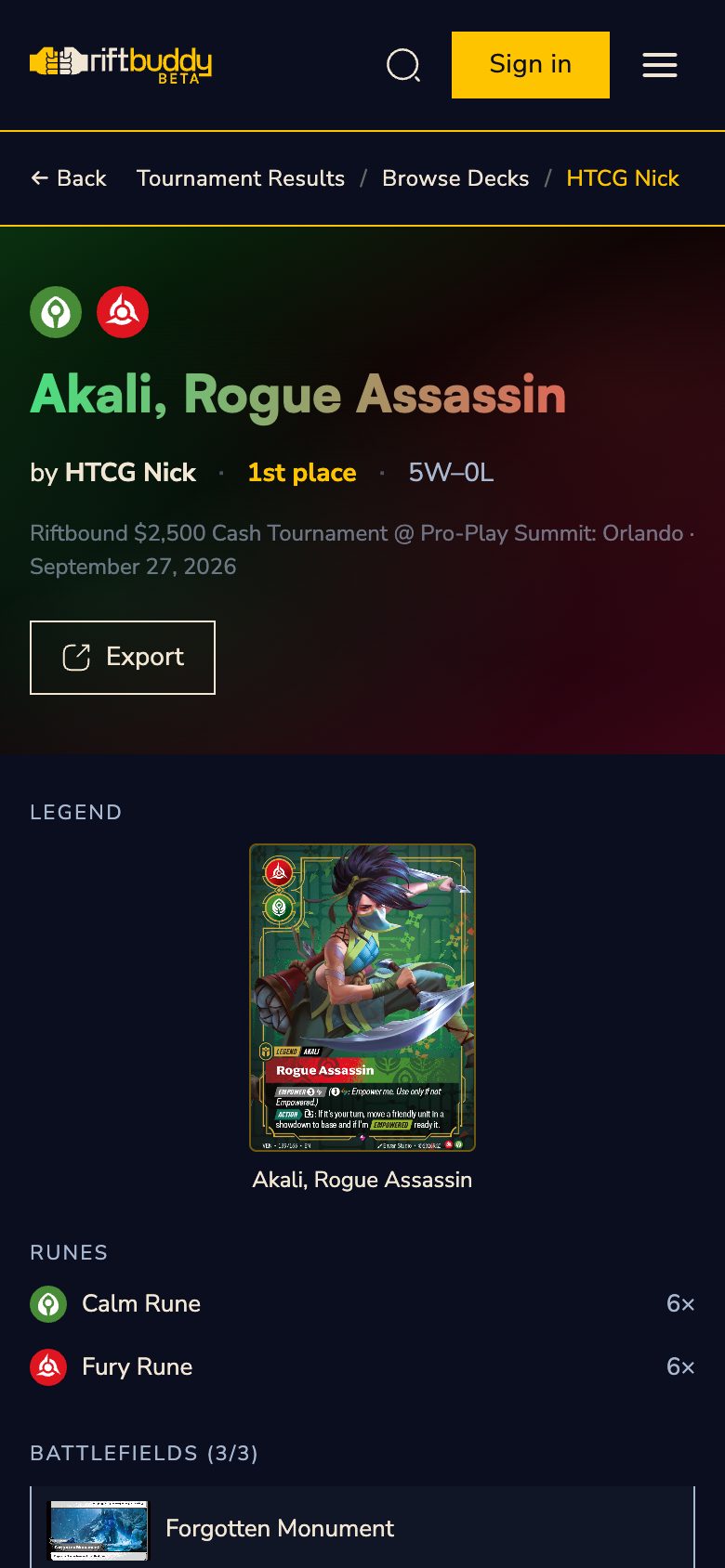
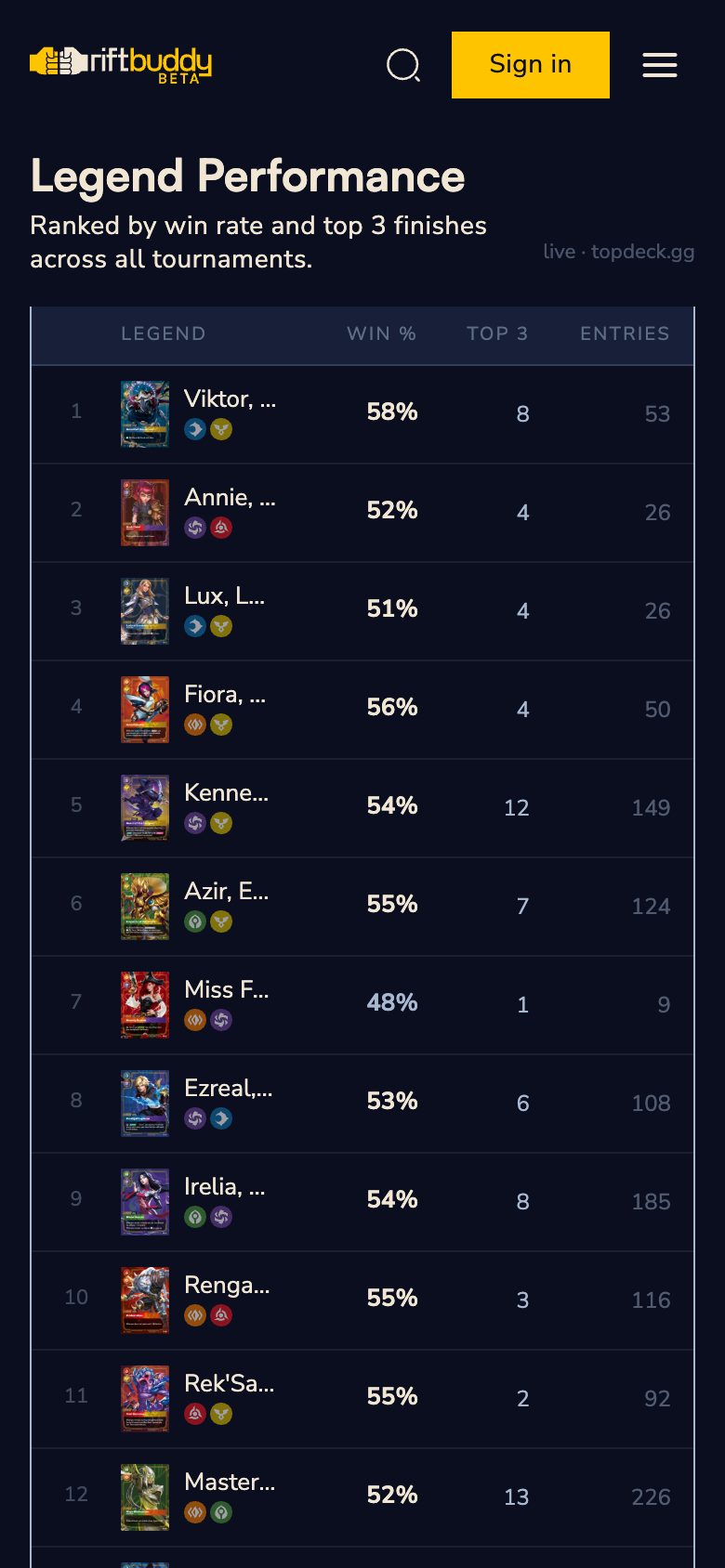
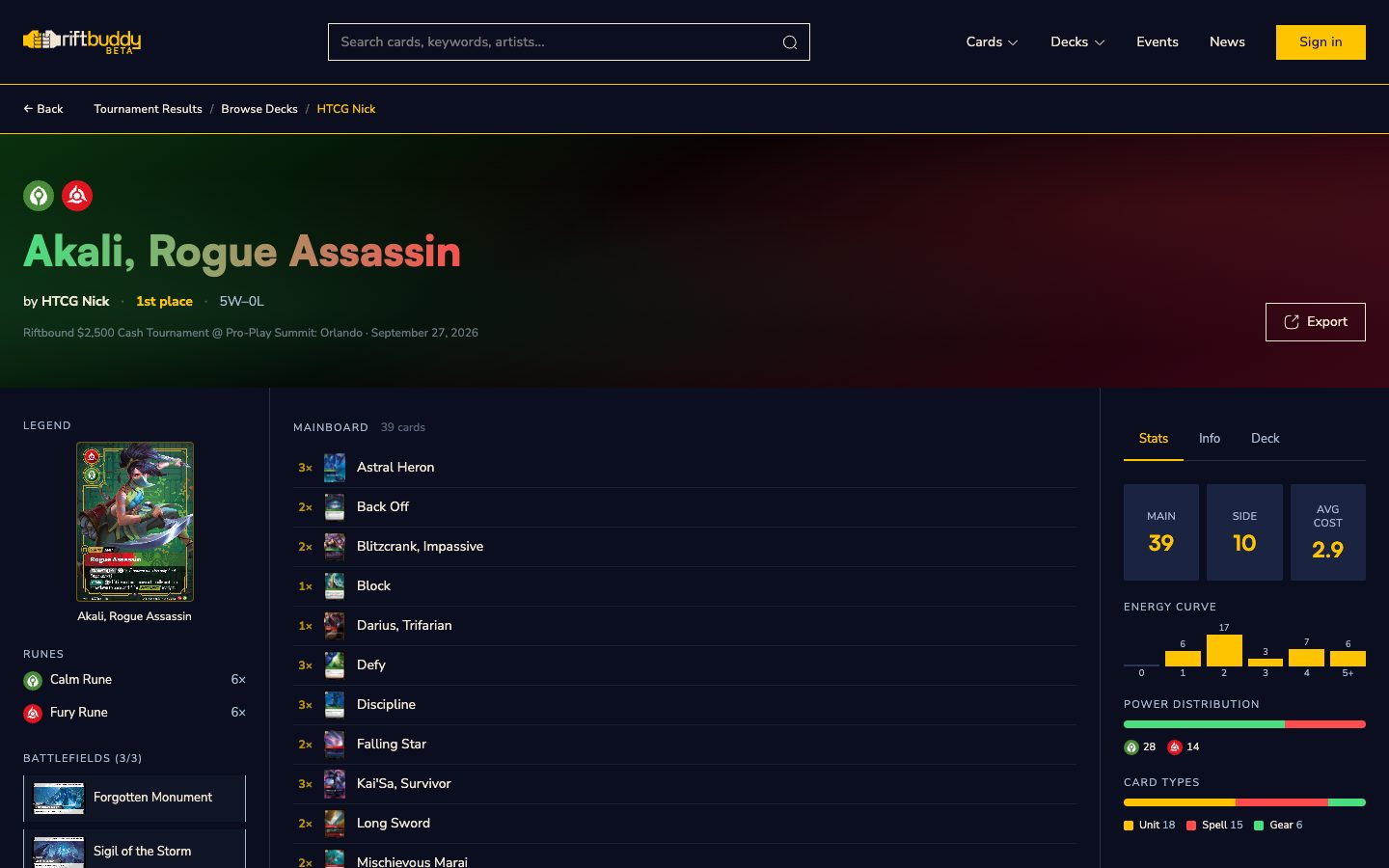
Tier list, results from TopDeck.gg and decklists from 6 Regional Qualifiers. One shared deck view across all pages: average cost, energy curve, placement colour.
News
Articles about the game and the app, written in Sanity Studio and published without touching code.
Challenges & decisions
The most interesting part of this project was not the screens but the decisions: what to build, what not to build, and what to trust: the data, the code or the phone.
Deadline: Utrecht
The app had to be public before the Regional Qualifier in Utrecht (June 12, 2026). I froze the scope: sign-in, hosting and working card images first, no new features until tournament day. The launch worked, and everything "nice to have" came in later versions.
A human beats the scraper
A scraper pulled the tournament decklists until one run wrecked the database: wrong placements, truncated decks. Instead of patching it, I made the official articles the single source of truth and re-entered 6 tournaments with import scripts. Slower, but a player never sees a false result.
Scanner: no new wheel
I adapted the open-source riftbound-scanner (MIT) and wrote to its author before releasing anything, though the licence did not require it. He replied the same day: "Of course you can use it". On top: a card goes into the collection only after you tap Save, and the scanner says when it is not sure. Confidence thresholds come from measuring 40,000 pairs of cards; in doubt, it shows 3 candidates instead of guessing.
Reversing my own call
At launch the collection lived only in the browser, on purpose, to make it in time for Utrecht. Then badges came along, and a badge that disappears when you switch phones motivates no one. I moved the collection to the cloud, with an explicit merge screen when a player has different data on two devices.
Badges, no tricks
Badges reward collecting, they don't keep people in the app by force. No streaks, no leaderboards, no time-limited rewards: 46 badges for real milestones that stay forever.
The phone beats the code
Email link sign-in opened Safari instead of the app installed on the iPhone home screen, so I replaced it with a 6-digit code typed into the app. Badge icons exported from Figma looked fine on desktop and lost half the graphic on the iPhone. The only test that settles it is the player's real device.
Numbers & timeline
In under 3 months since public launch I shipped 5 versions across 24 phases, all as one person. Numbers from the repository, as of August 26, 2026.
In numbers
production versions
5 (v1.0 → v1.4)
work phases
24, 22 closed
commits
744
lines of app code
≈ 22k
screens
29
cards in the database
1180, 5 sets
badges
46
automated tests
229
Versions
v1.0 launch · June
Public beta before Utrecht, 6 RQ decklists, guest mode
v1.1 png export · June
Deck graphic in one click, Figma template
v1.2 seo · July
Correct domain and page descriptions for Google
v1.3 vendetta · July
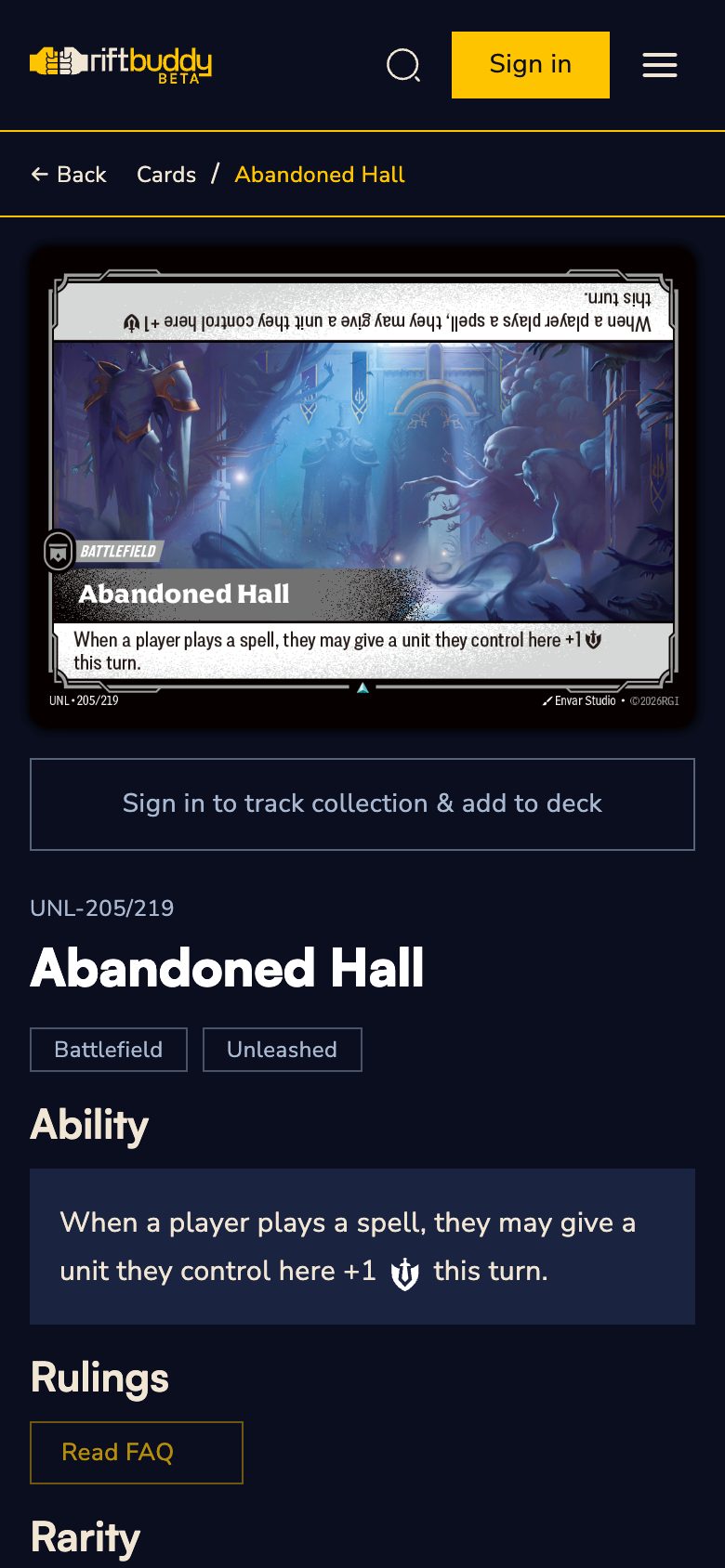
New set: keywords, domain filters, official rulings
v1.4 collection · August
Scanner, cloud collection, badges, iOS sign-in, Sanity
What I learned
A designer who ships the product themselves sees things you can't see in Figma alone.
Lessons
- Freezing scope is a design decision. Utrecht forced the question "what is really needed on day 1", and that is why the app shipped at all.
- It's fine to reverse your own decision. A local-only collection was right for launch and wrong for badges.
- Automation suggests, a human approves. The scanner and deck import never change a player's data without their tap.
- The real device decides. Tests, types and a desktop browser let through bugs that took a second to spot on an iPhone.
- AI is a team you have to manage. Clear scope, success criteria and a log of recurring mistakes beat long prompts.
What's next: Riot is launching an official Riftbound portal, so the next step is deciding whether to integrate with it. Also on the list: automatic card database updates with every new set.