About the project
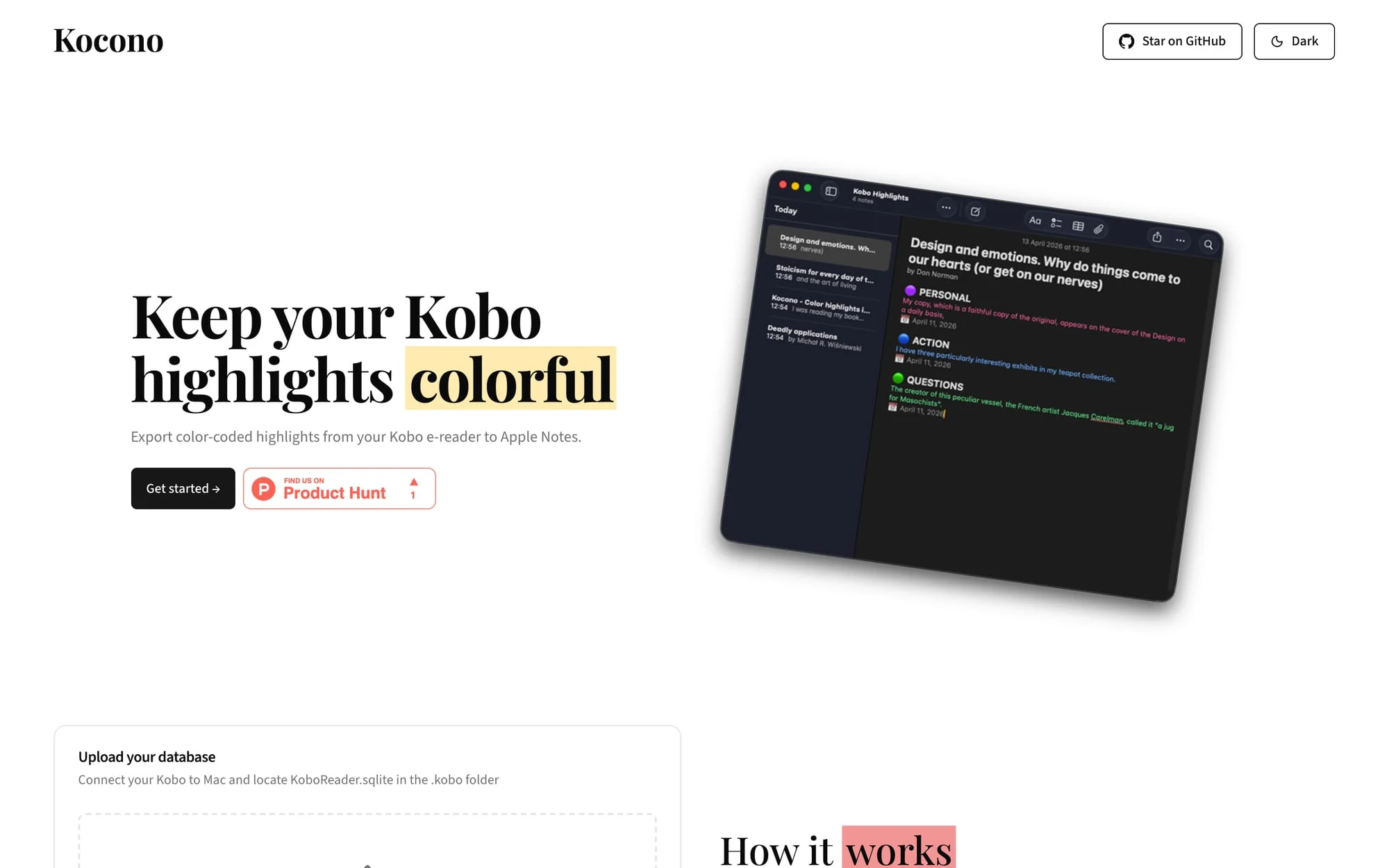
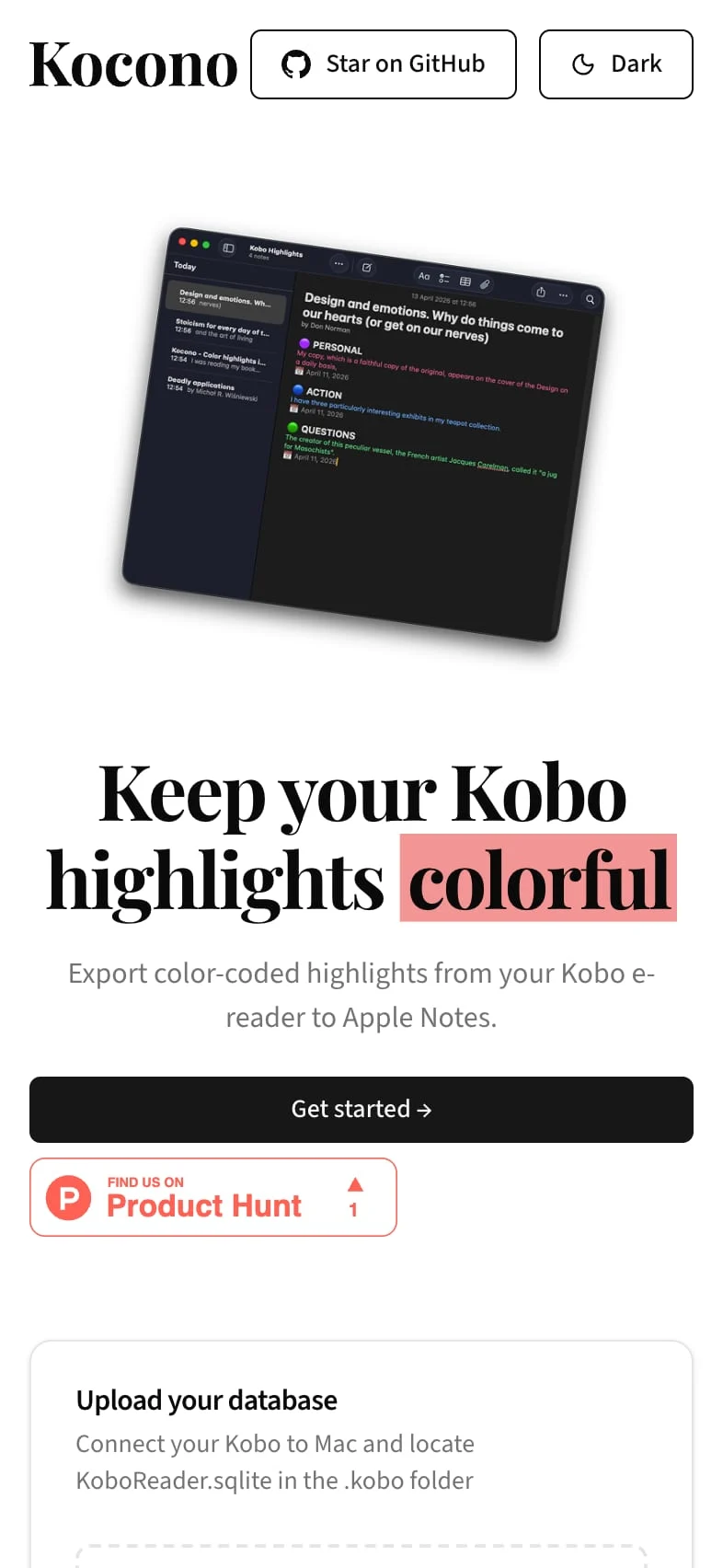
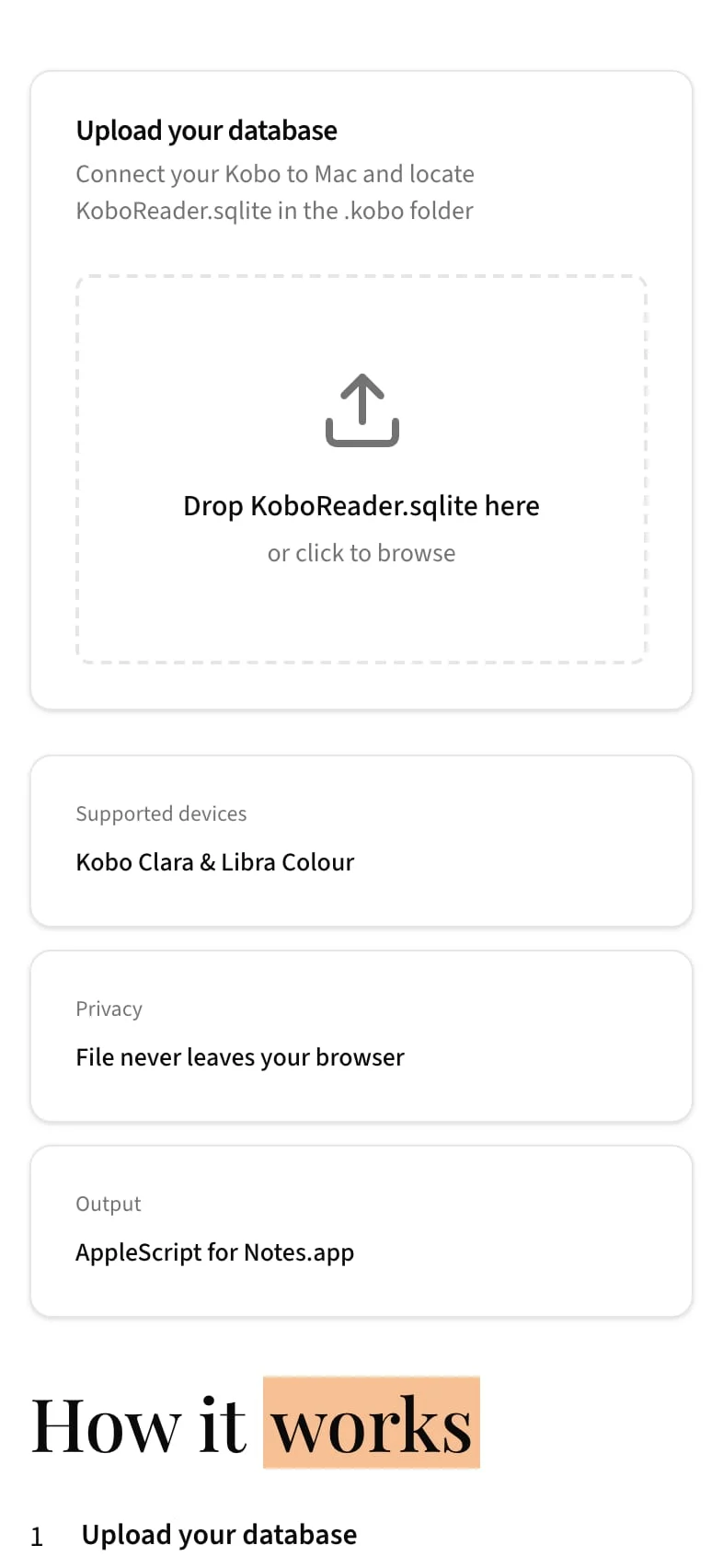
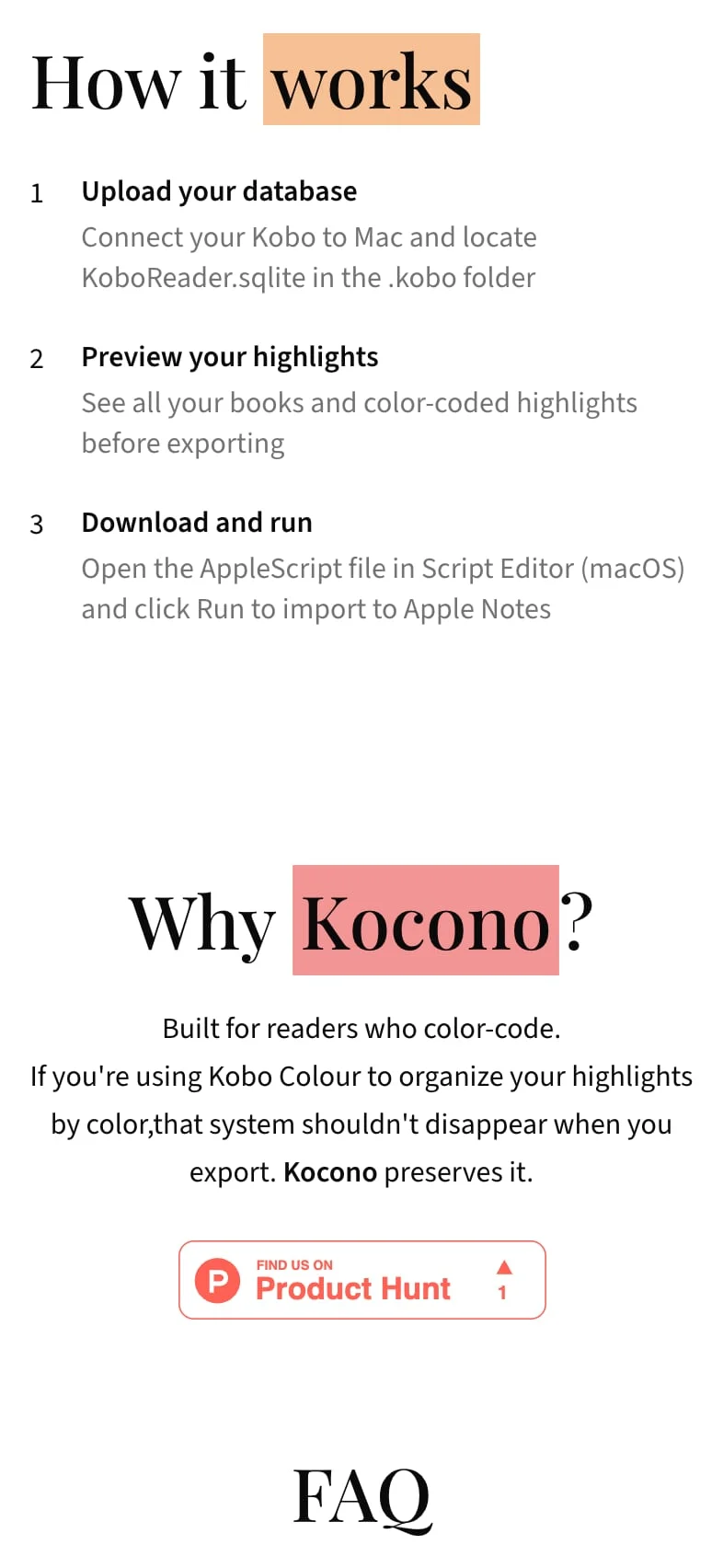
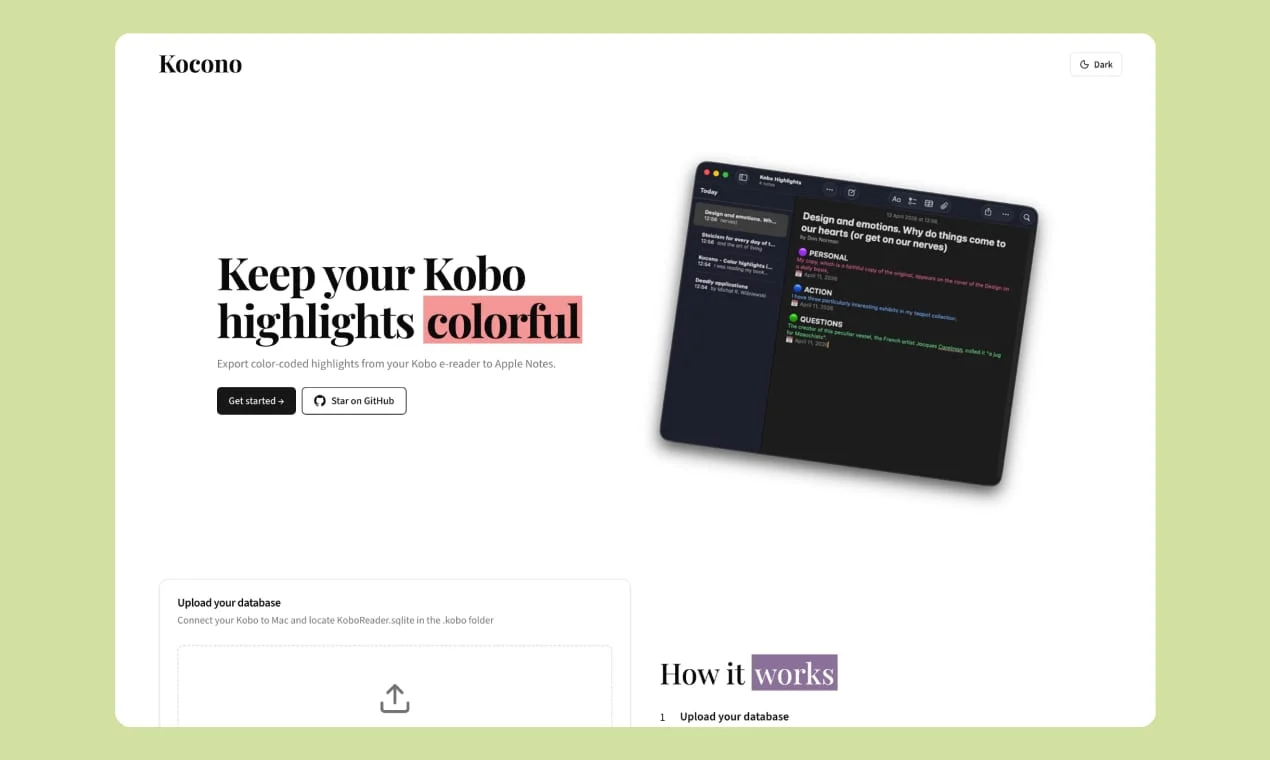
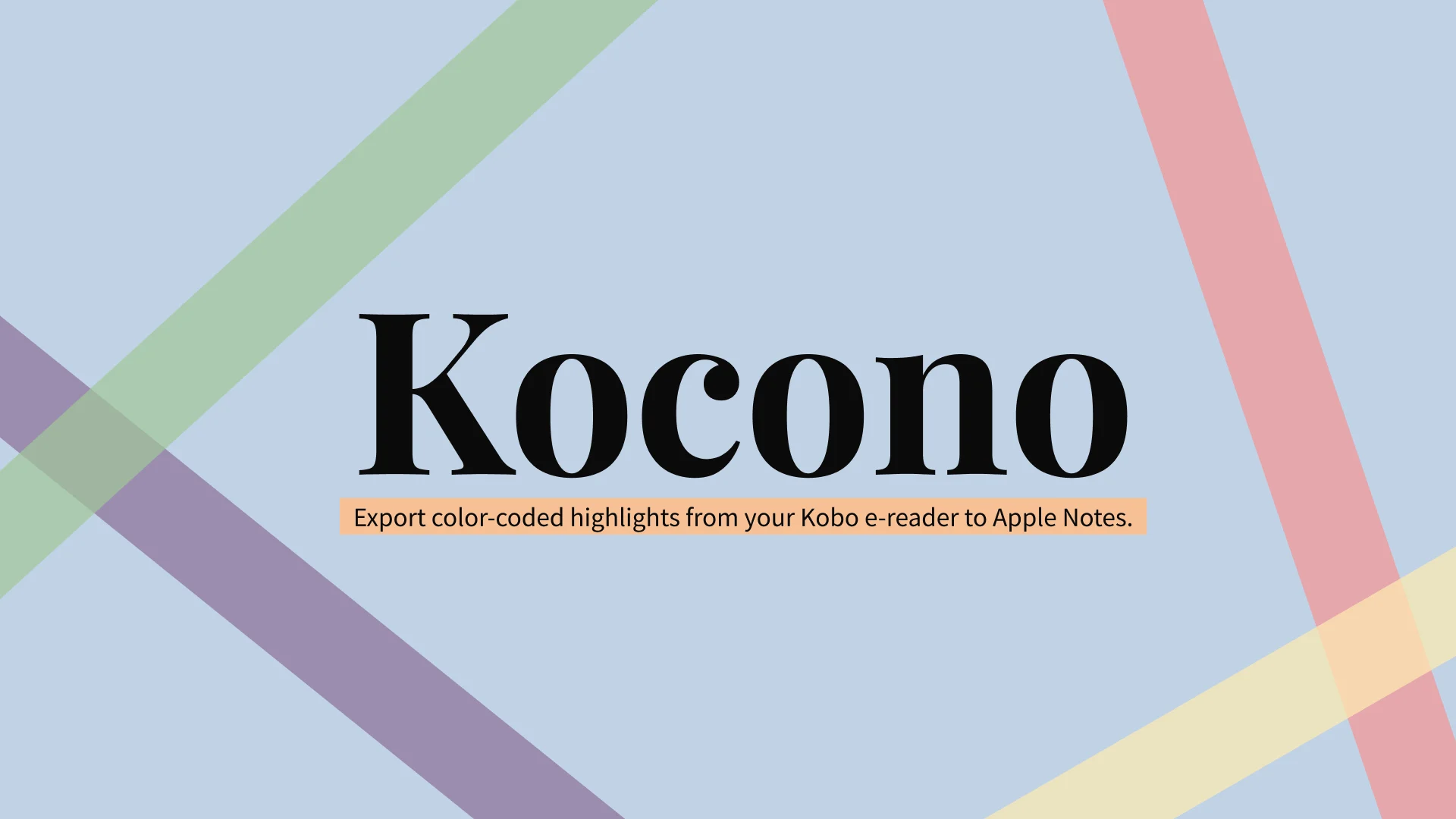
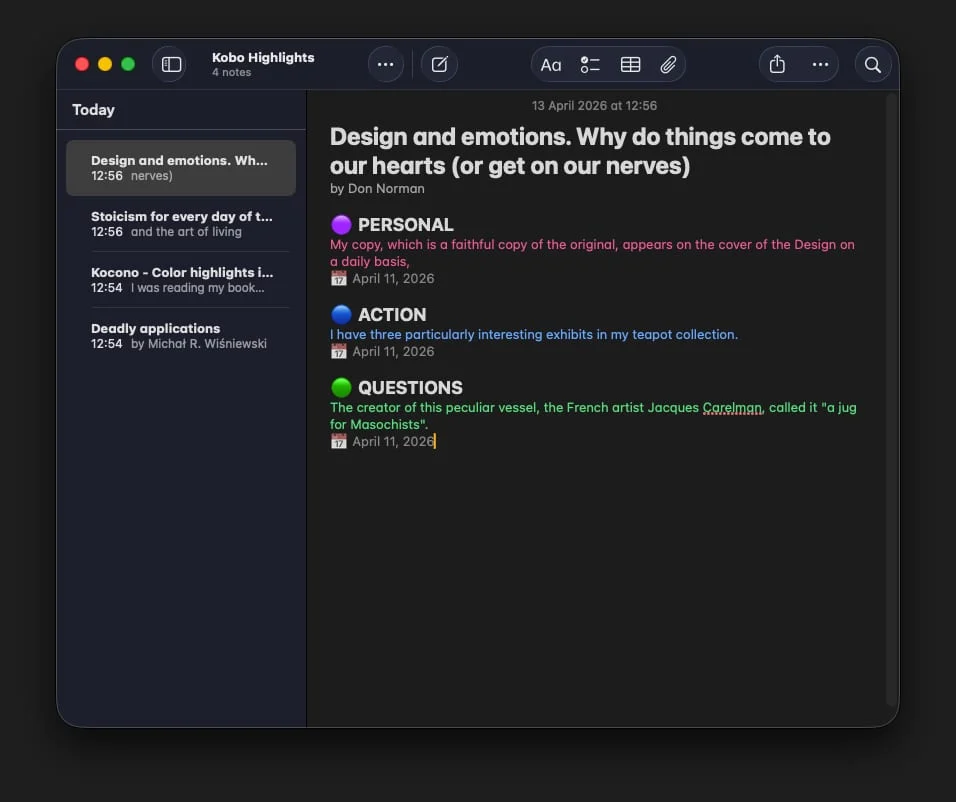
Kocono exports highlights from Kobo Clara Colour and Libra Colour e-readers to Apple Notes and keeps their colours. You upload the reader's database file, check your books and highlights in a preview, then download an AppleScript that builds a "Kobo Highlights" folder in Notes. The file is processed in the browser and never reaches a server. Kocono is free and open source.
role
Product design and branding
scope
Web app, landing page, logo, launch
tools
Figma, Claude Code, Next.js, Tailwind CSS, Vercel
timeline
April 2026
Problem
I read on a Kobo Clara Colour and colour-code my highlights: yellow for knowledge, purple for personal, blue for action and green for questions. Every export threw that system away. Readwise imports Kobo highlights but drops the colours, while Kobo Note Up keeps them and can't export to Apple Notes.
Goal
Move colour-coded highlights from a Kobo into Apple Notes with their meaning intact, so they're on the phone that's always with me.
Process overview
Click any of the steps to swoosh to the section
Requirement Gathering
The brief was my own problem. I wanted my highlights and notes in one place, and because the e-reader isn't always with me, that place had to be my phone.
Research
Besides Readwise and Kobo Note Up, I checked Calibre, KOReader and Anotum. The breakthrough came from taking apart the KoboReader.sqlite file, where highlights sit in the Bookmark table with their colour stored as a number from 0 to 3. For the look, I took cues from Liture and its calm, bookish feel.
Design
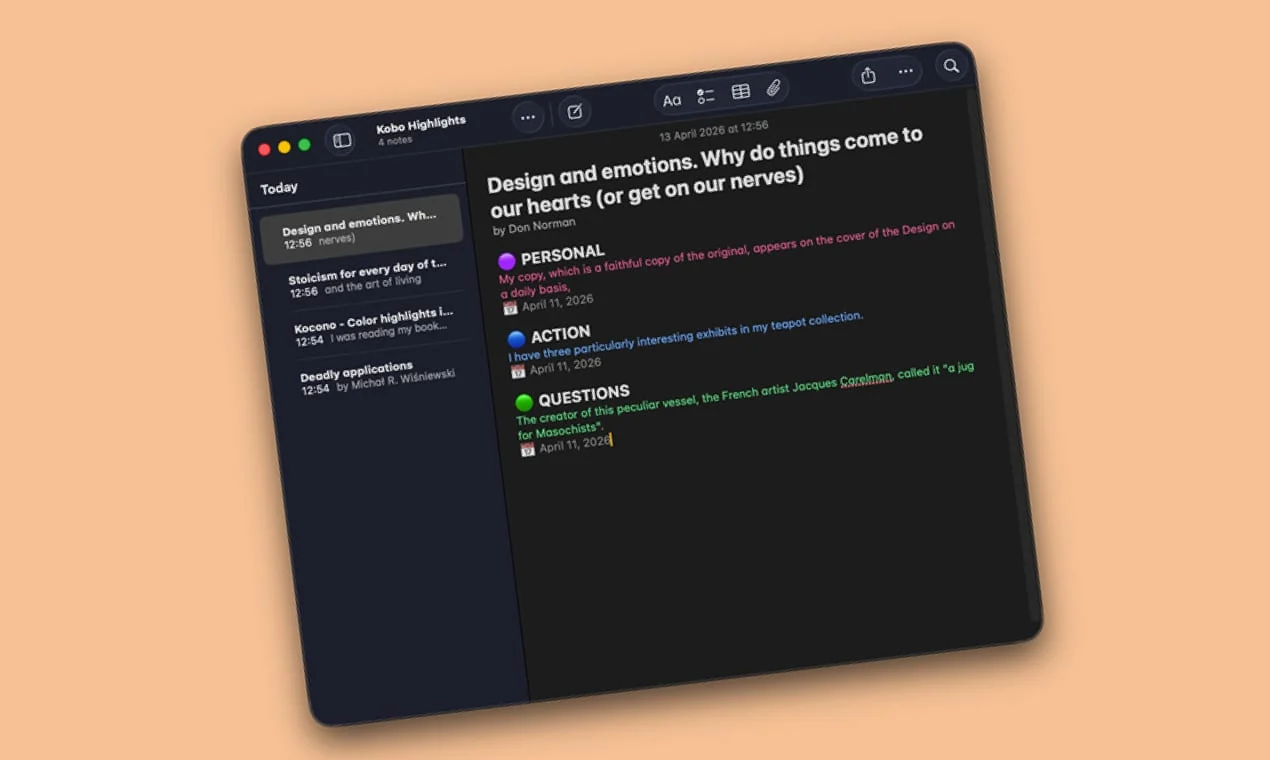
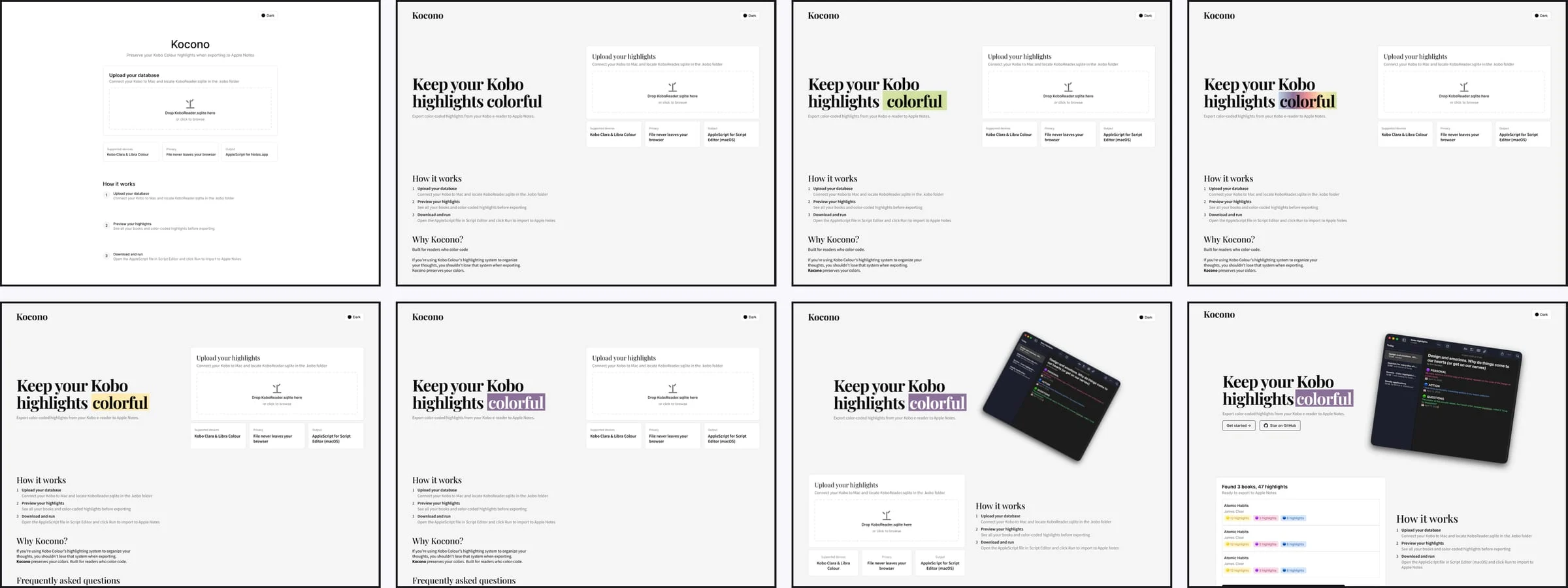
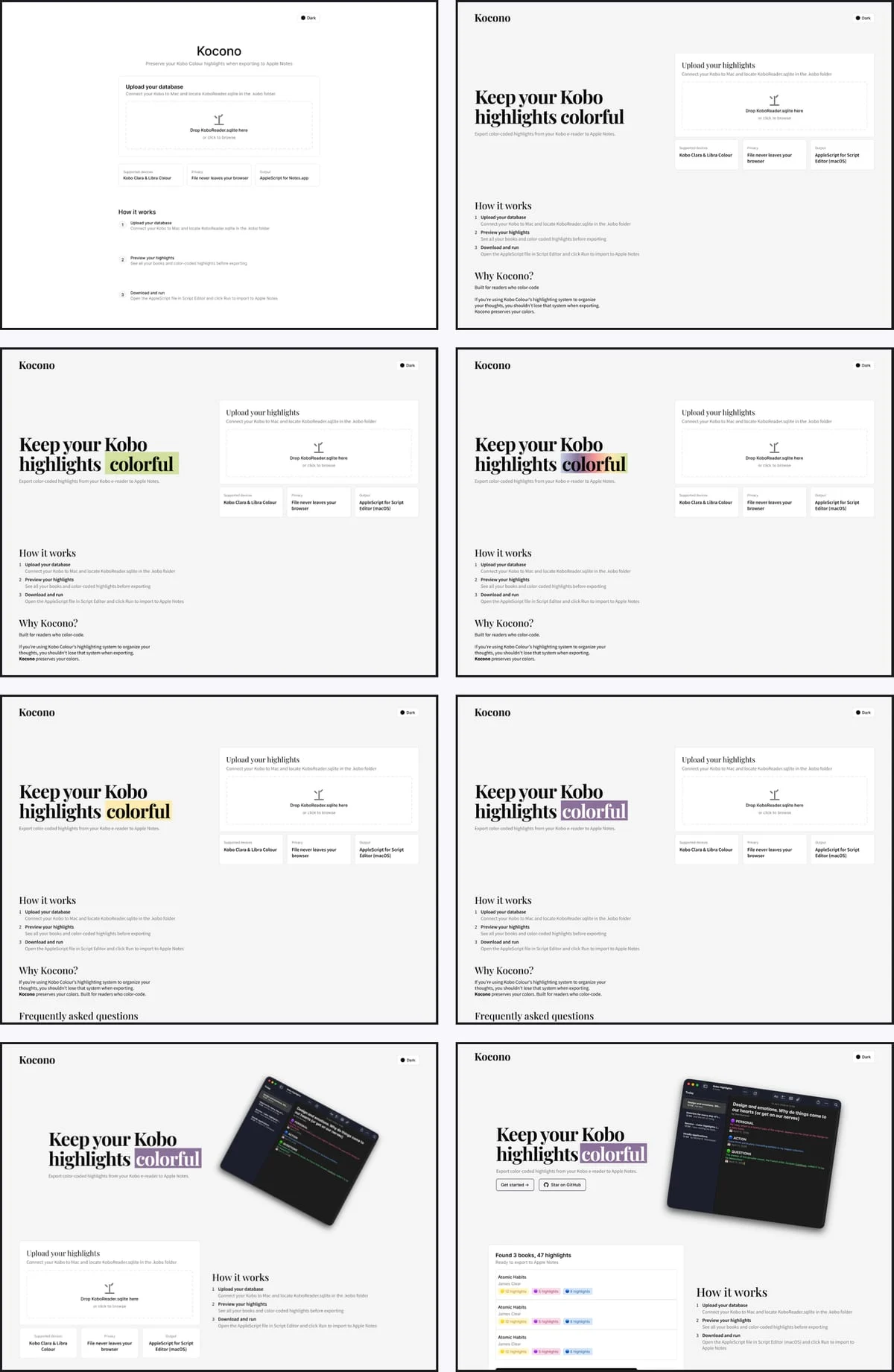
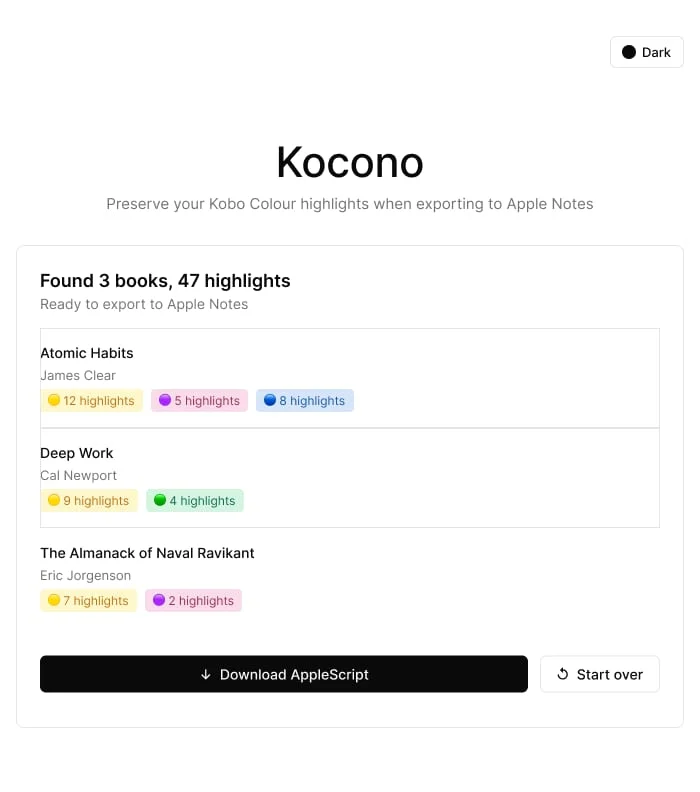
A tool that asks for a file from your device has to earn trust first. That's why processing stays in the browser and a preview shows your books and colours before anything gets downloaded. In Apple Notes every category gets its colour plus an emoji header, so it still reads where colour alone isn't enough. The FAQ covers the non-technical hurdles, like finding the hidden .kobo folder and running the script in Script Editor. The homepage went through several iterations in Figma before the final desktop and mobile designs. The logo and launch graphics use the four highlight colours.
Logo

Colors

Development
It began as a Python script that worked but had to be run by hand each time. A standalone HTML file proved the export could run entirely in a browser. Claude Code then built the web app from my Figma design, with Next.js reading the database through sql.js and generating the AppleScript. The code is public on GitHub, so anyone can check that the data stays local.
Preview first
In Apple Notes
Launch
The first script and the live site on kocono.com were four days apart. Kocono launched on Product Hunt on 16 April 2026 and got a Featured badge, and I shared it on Reddit, MobileRead, Threads and X. Six months on, it still gets organic traffic from Google. Markdown export is next on the roadmap, followed by Notion and support for other e-readers.